What can I try in the public demo?+
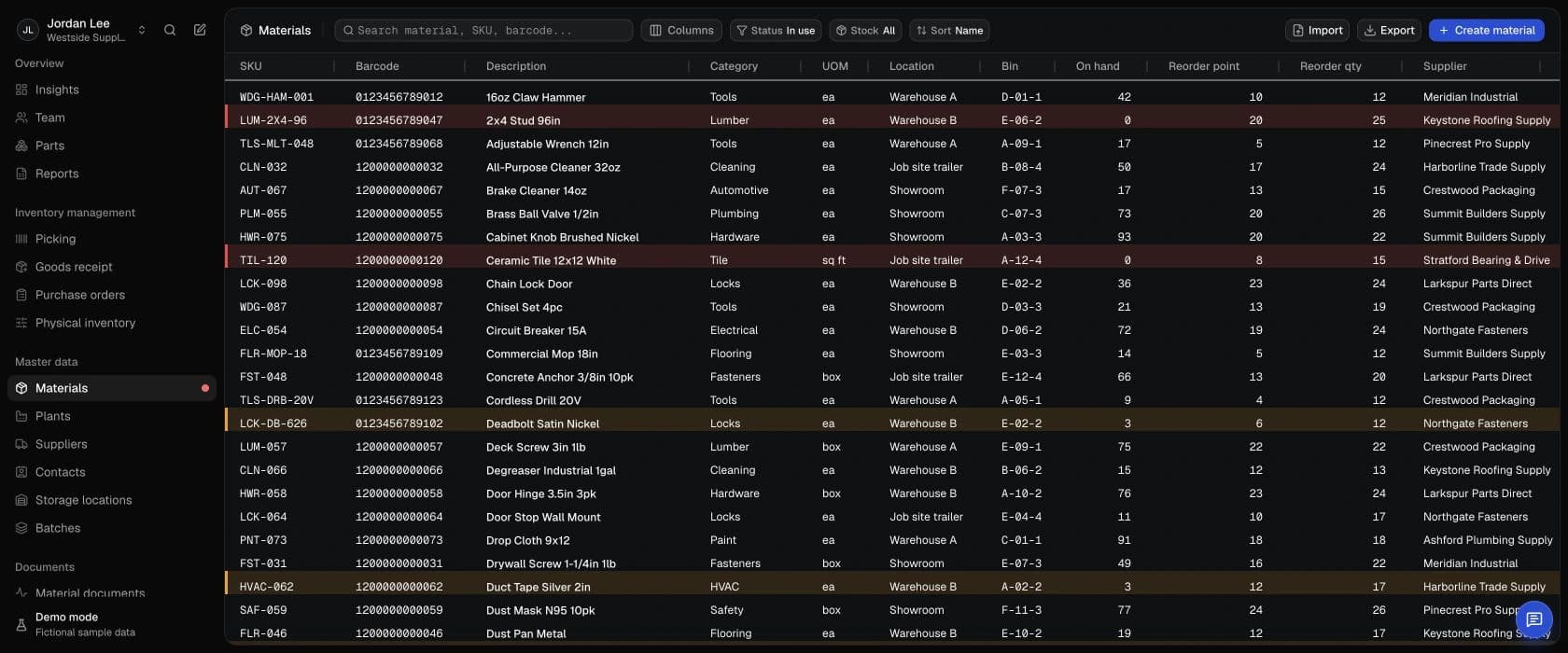
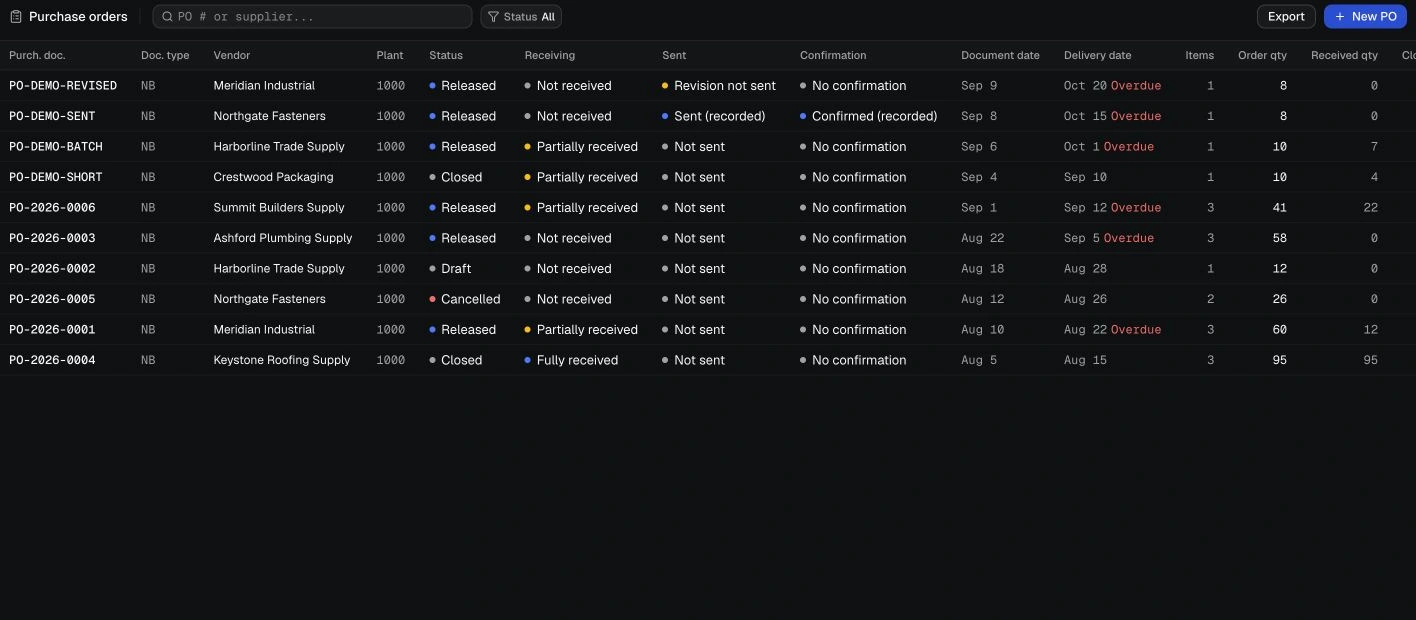
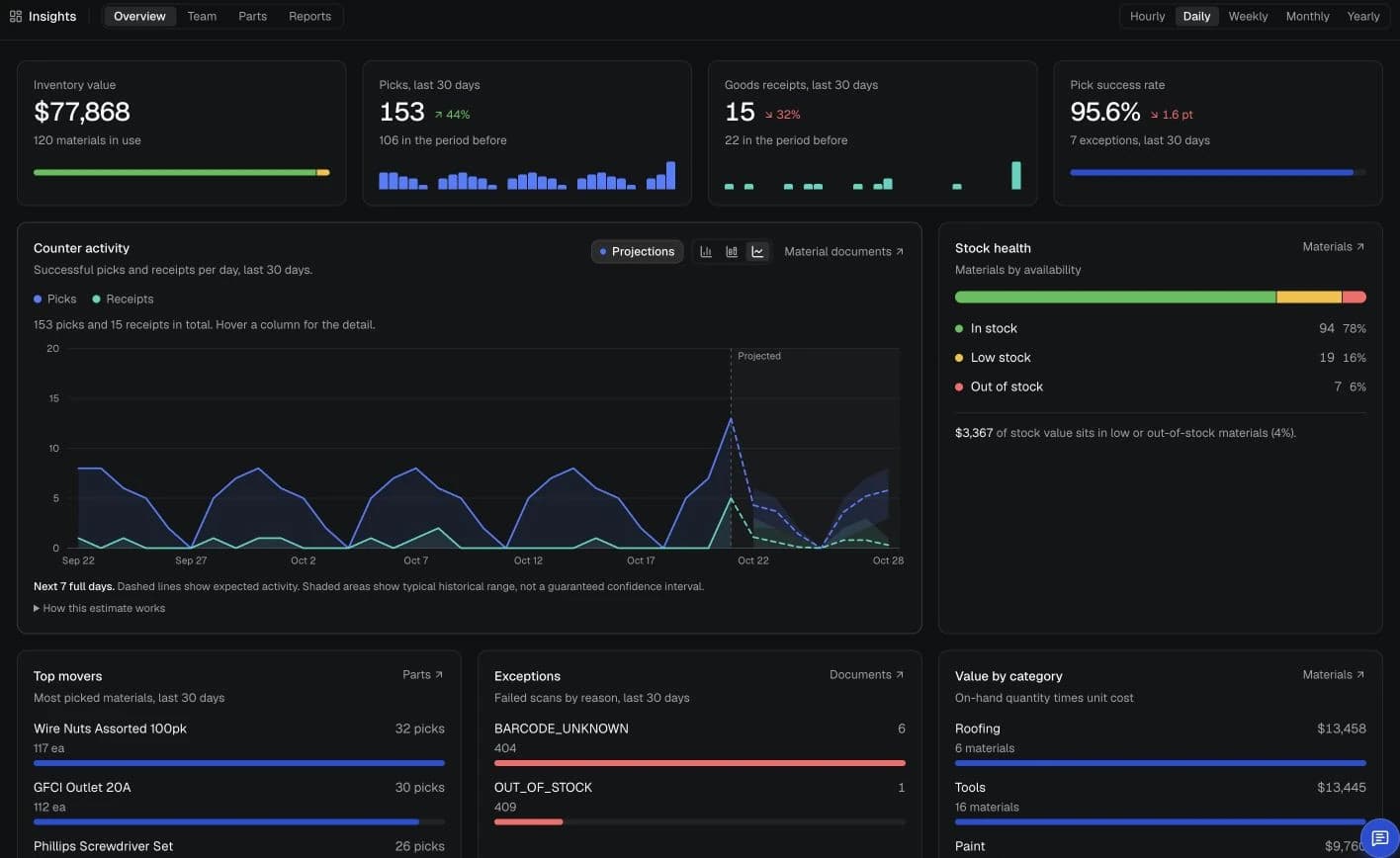
Use a fictional sample shop with 120 items, 10 suppliers and 10 purchase orders to judge the stock workflows before committing to the product. No account is needed. Try receiving, picking and count review with made-up data in a desktop browser at least 1027 pixels wide. Customer orders are preloaded; you can pick against them but cannot create new ones. This alpha is not ready for live business records. There are no team logins and no cloud sync.
Can my team use separate roles?+
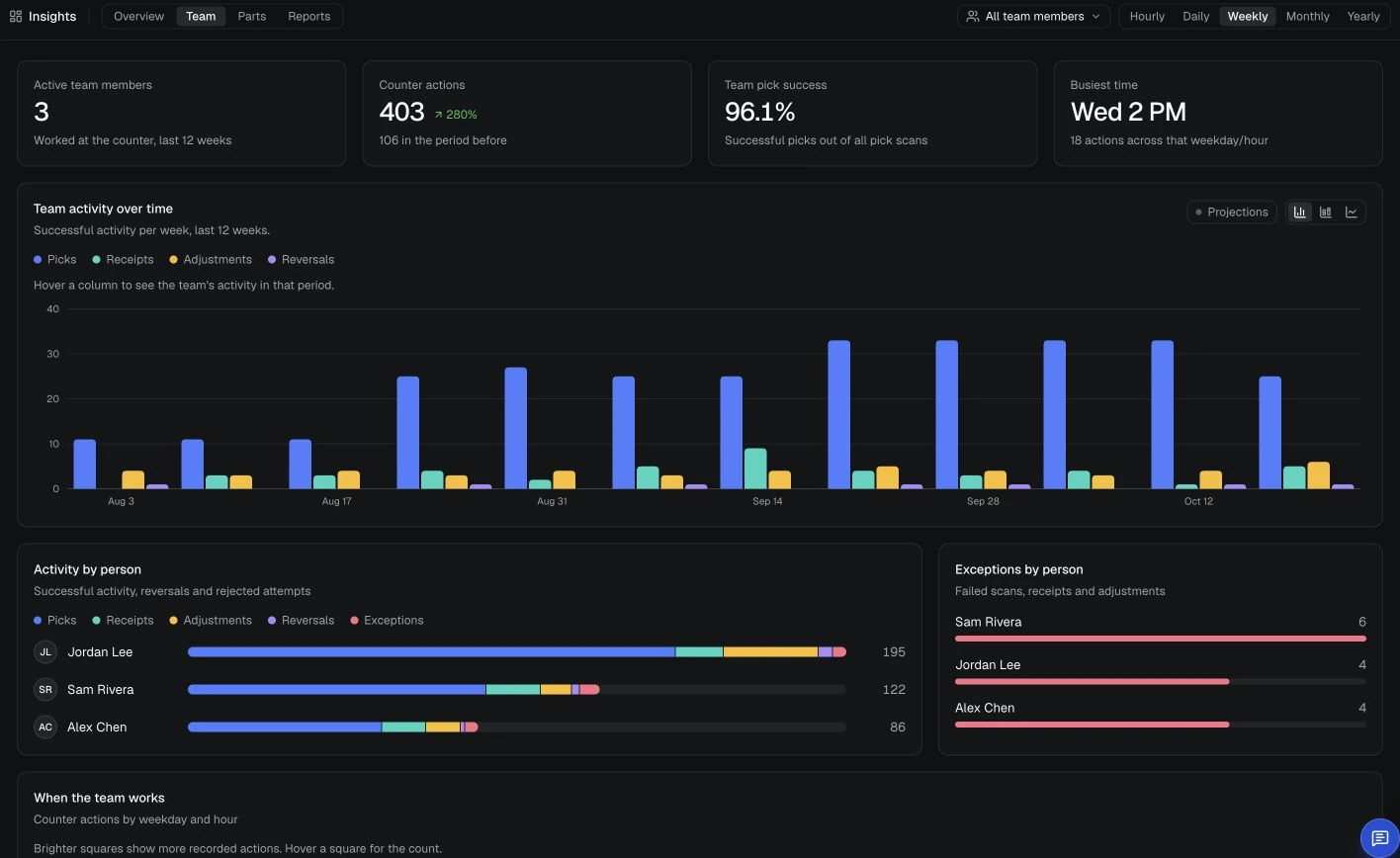
You can preview counter, purchasing and supervisor roles, or define custom access to application areas. This shows how responsibility can be divided without giving everyone the same controls. The public demo opens everyone as the sample owner: members cannot sign in, and the role settings do not enforce restrictions in this demo. Live team access is not available yet.
What does VectisERP help manage?+
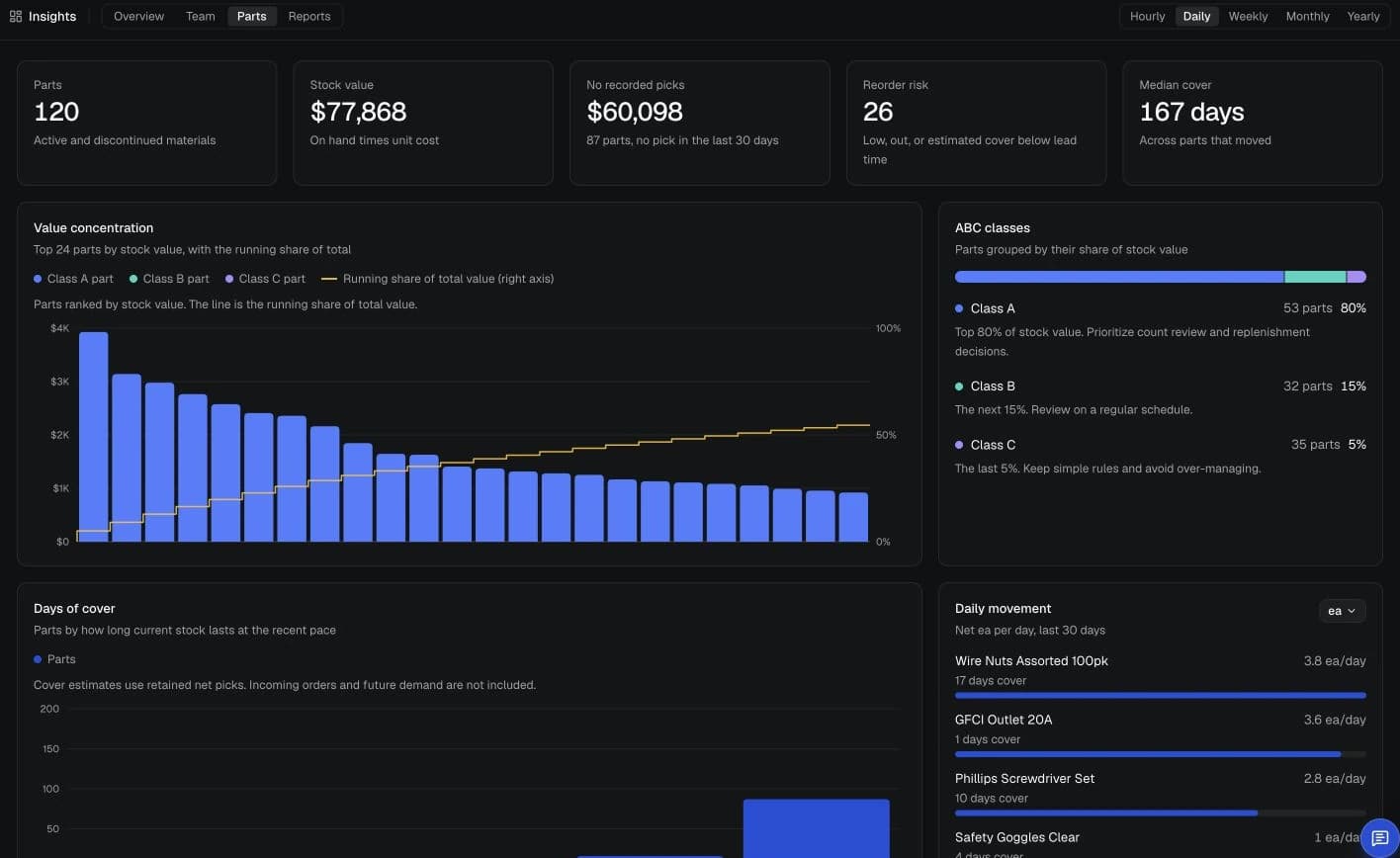
VectisERP connects inventory and purchasing, from an order through receiving, picking and count adjustments. It is useful when a total alone does not answer what is still due, what is available to pick or why a quantity changed. It does not do accounting, payroll or production planning.
Can I import an item list?+
Yes. A CSV import gives you a way to bring in a catalog without entering every item again. Review the preview in Master data load and fix any flagged rows before saving. Use made-up items in the public demo. You can also add items individually and export the catalog.
Which barcode scanners can I use?+
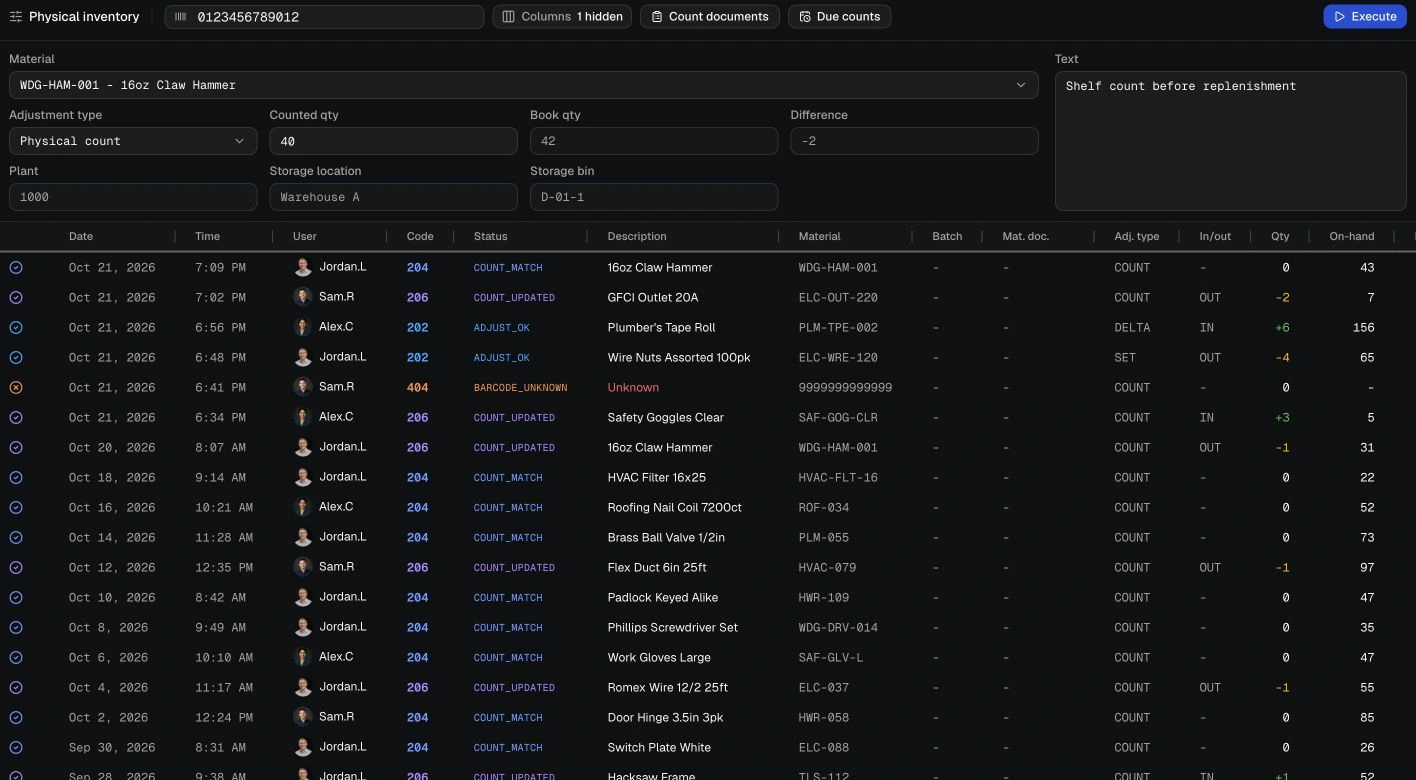
A keyboard-mode USB or Bluetooth scanner enters the code for you, then sends Enter. It can replace typing the item code during stock work. Check your scanner with the demo, since we have not tested every model. Manual entry is also available. Phone scanner pairing is switched off in the public demo.
What happens when a supplier delivers only part of an order?+
The missing quantity should remain visible for supplier follow-up. Receive only what arrived against the purchase order and leave the rest open. If the supplier cannot fill it, close the remainder with a reason; stock already received stays as it is. A mistaken receipt can be reversed with a reason, with the original and correction linked. The reversal is refused if it would leave the item or batch with a negative quantity.
How do stock counts change the recorded quantity?+
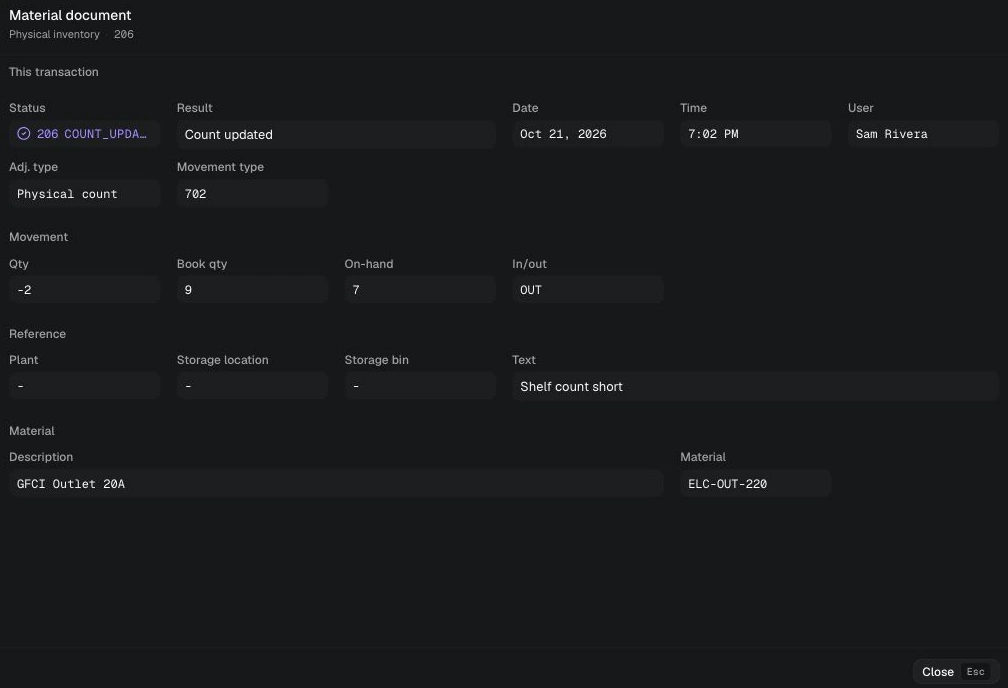
Entering a count does not immediately overwrite stock. The count document keeps the recorded and counted quantities separate, so you can review each difference before posting an adjustment. All lines must be counted before the document can be posted. The posted change receives a movement record, giving you a way to check the correction later.
Can I investigate stock changes and edits to an item?+
Yes. Movement history helps you investigate a changed balance through receipts, picks, adjustments and imports, with quantities, dates and recorded users. Item history separately shows edited fields and their before and after values, so an item edit is distinguishable from a stock movement. The demo uses sample user labels, and its history ends with the browser-tab session; it is not a permanent business archive.
Can I track stock by batch and expiry date?+
Yes. For items where the batch matters, each batch has its own quantity and can carry an expiry date and the supplier's lot number. Picking suggests the eligible batch that expires first. Expired and restricted batches are excluded, so they are not treated as available just because the item has stock.
Does it connect to accounting software or online stores?+
There are no live integrations today, so nothing synchronizes with accounting software or an online store. You can export the catalog and history to CSV for review elsewhere. If automatic synchronization is essential to your process, factor that limit into your evaluation.
Can I hold separate quantities in different warehouses?+
This version keeps one total quantity per item. Locations and bins help identify where an item is kept, but they do not maintain a separate balance for each warehouse. A business that needs independent warehouse quantities would need that capability before using VectisERP for the job.
Can I send purchase orders to suppliers?+
Download a PDF or Excel copy to send through your own email, then record when it was sent and confirmed. That keeps the purchasing record with the order. VectisERP does not email the supplier for you, and downloading a file does not mark the order as sent.
What happens to information entered in the demo?+
The sample workspace is for evaluation, using made-up information. Changes stay in this browser tab and normally survive a refresh, but closing the tab ends the session. That includes the items in any CSV you upload. Feedback and email signups are sent to our server separately from the demo.